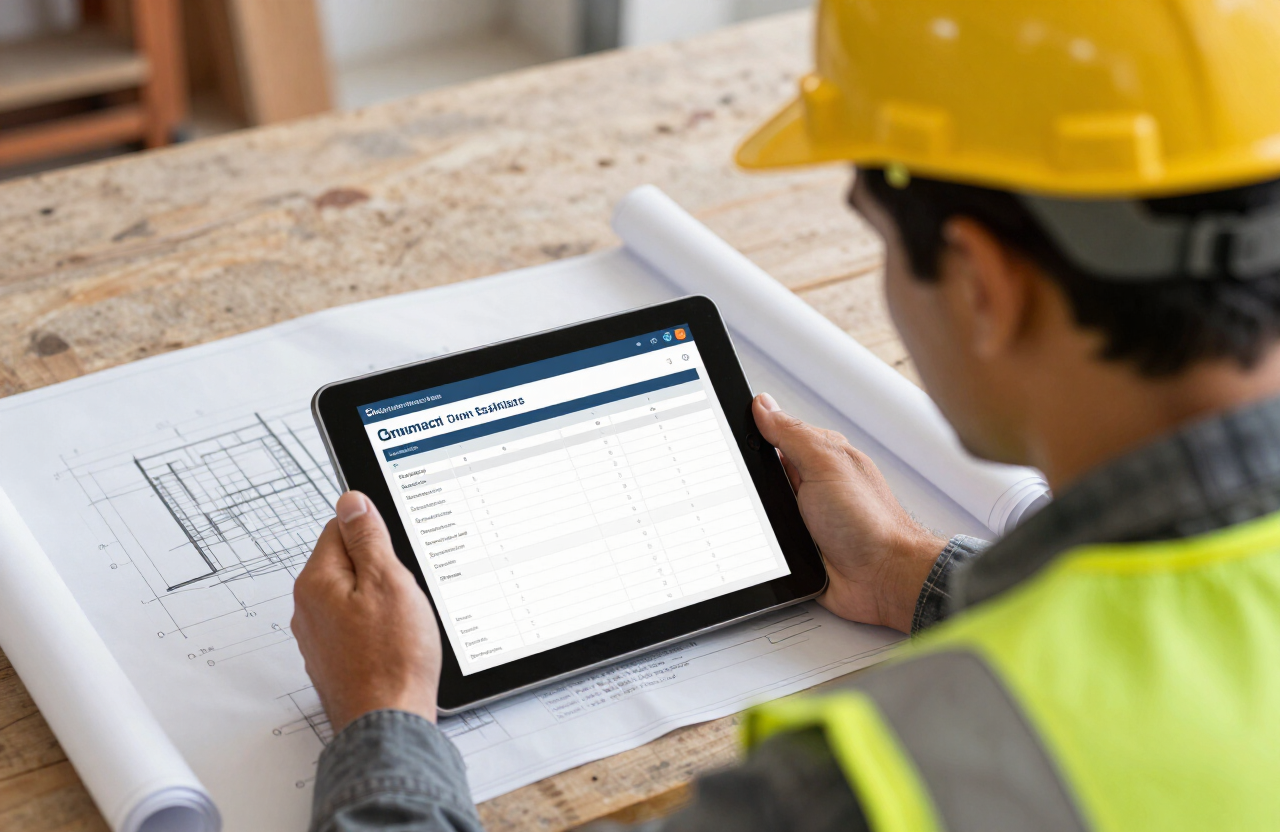
What good estimating software actually does
The core job of estimating software is turning a takeoff (a list of materials and quantities needed) into a priced, professional proposal quickly and consistently, using cost databases so you're not re-researching current material prices on every single bid. The best tools also let you save templates for repeat job types so a kitchen remodel estimate doesn't start from a blank page every time.
Features worth paying for
Digital takeoff from PDF plans, a regularly updated material price database for your region, built-in markup and margin controls (so you're pricing consistently, not guessing per bid), the ability to convert an accepted estimate directly into a job in your accounting system, and mobile access so you can build or adjust an estimate on-site instead of driving back to the office first.
Don't let software replace judgment
Software speeds up the math, but it doesn't know about a tricky access point, a difficult client, or a supplier who's been slow lately. Use the tool to build consistent numbers fast, then apply your own experience as a final check before the bid goes out the door — the software should make you faster, not remove you from the decision.
Ready to run your own numbers instead of just reading about it?
Open the CalculatorEstimates only, based on 2026 costs. Figures are planning ranges, not quotes — fees and requirements vary by state, so confirm with your licensing board or a licensed provider.
Free Contractor Cost Updates
Get updated cost data, new calculator releases, and free business tips — no spam, unsubscribe anytime.
By subscribing you agree to our Privacy Policy. We never sell your data.